

Releases
Track releases, manage component versions, deployment zones, and deploy to your infrastructure.
Releases
The Releases workspace (/releases) is where you manage versioned release bundles, software components, and deployment zones. It is organised as three tabs:
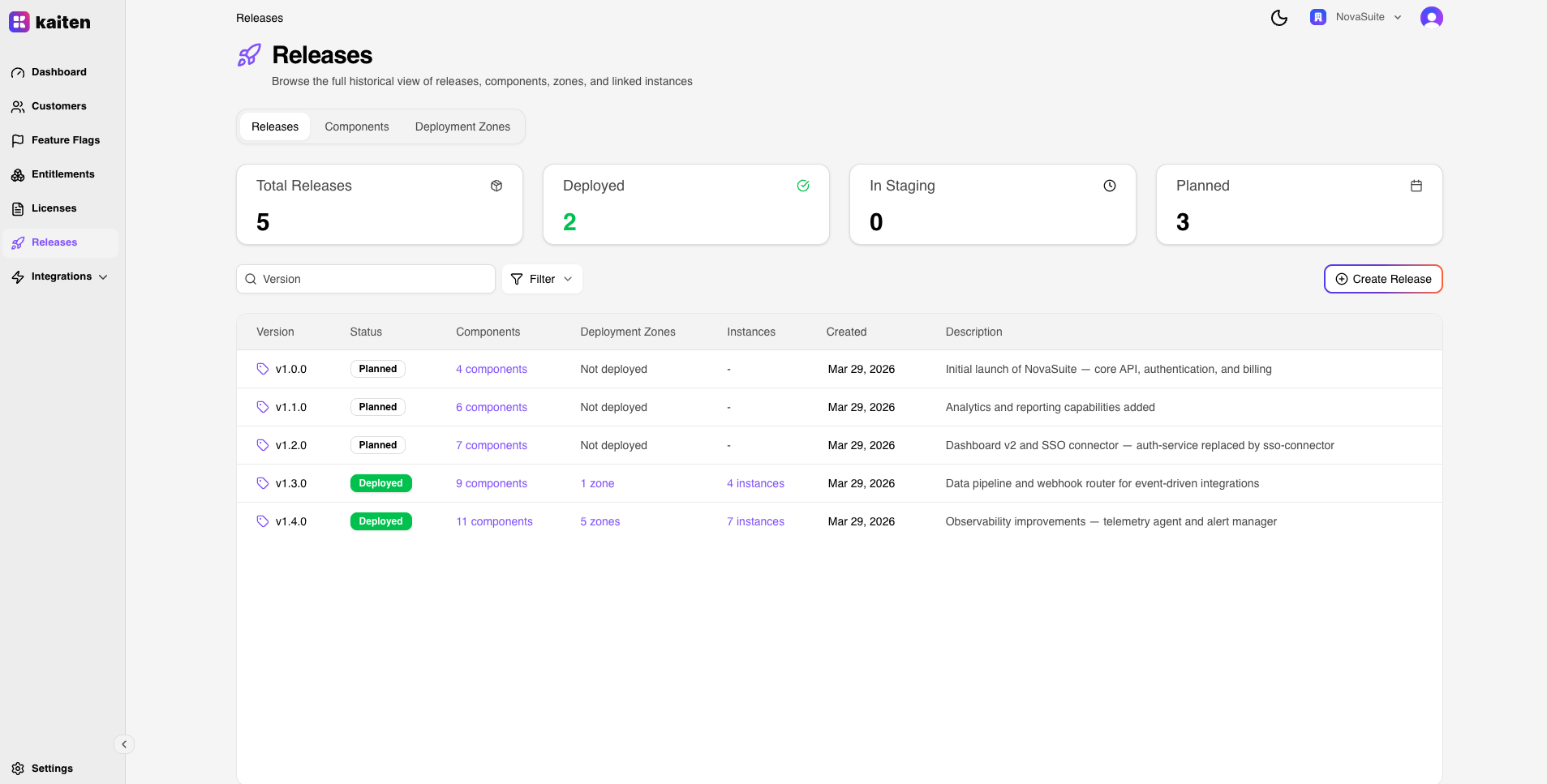
- Releases — versioned bundles with linked components
- Components — standalone component catalog
- Deployment Zones — logical environments where releases are deployed
Releases
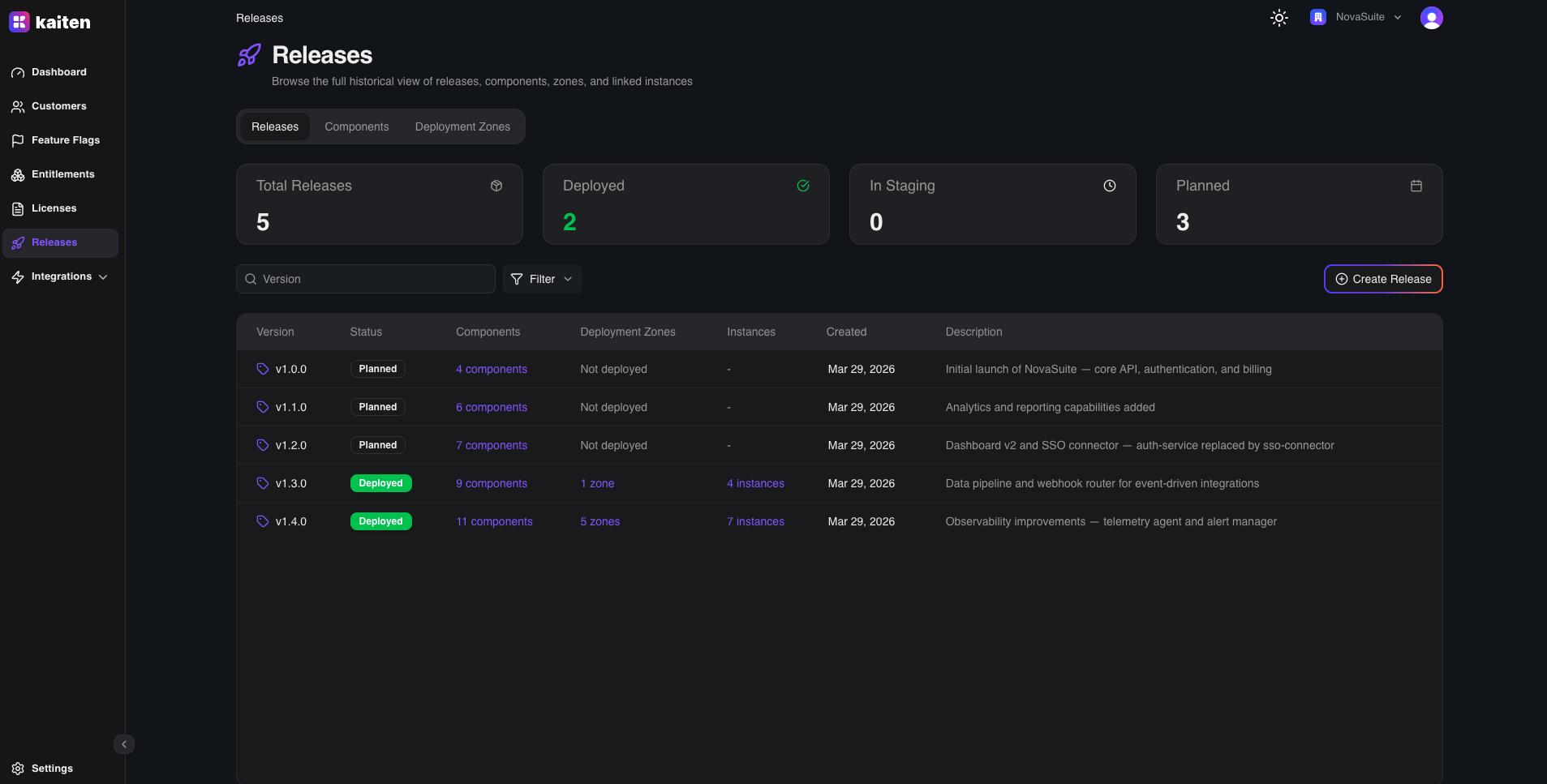
The default tab shows a historical overview of all releases with stats cards and a filterable table.
Creating a Release
The creation form (/releases/new) is a two-phase experience:
Phase 1 — Base Selection
Choose how to start your release:
- Start from scratch — empty release, you add components manually
- Use existing release — inherit components from a previous release and modify them
Phase 2 — Release Form
After selecting a base, a card-based layout appears with two tabs:
- Release Informations — Version string and description
- Components — Unified table showing inherited, catalog, and newly created components. Supports:
- Inline editing — click the pencil icon to edit version in-place
- Add from catalog — searchable dialog to attach existing components
- Create new — dialog to create a component and attach it in one step
- Delete / Revert — remove or revert inherited component changes
Click Create Release when ready.
Release Detail
Click a release to view its detail page with two tabs:
Overview Tab
- General Information — version, slug, ID, status badge, description, and audit trail (created/updated by)
- Deployment Footprint — linked deployment zones count broken down by type (Production, Staging, Development), with quick links to each zone
Deployment Zones Tab
Lists all deployment zones where this release is currently deployed. Click any zone to navigate to its detail page.
Deployments View
The Deployments sub-tab (/releases/deployments) provides an operational view of all releases and their deployment status across zones, with stats cards and a filterable table.
API Equivalent (Releases)
| Action | Endpoint |
|---|---|
| List | GET /api/releases |
| Create | POST /api/releases |
| Get | GET /api/releases/{slug} |
| Delete | DELETE /api/releases/{slug} |
Components
The Components tab (/releases/components) shows a standalone catalog of all software components across releases.
Components Catalog
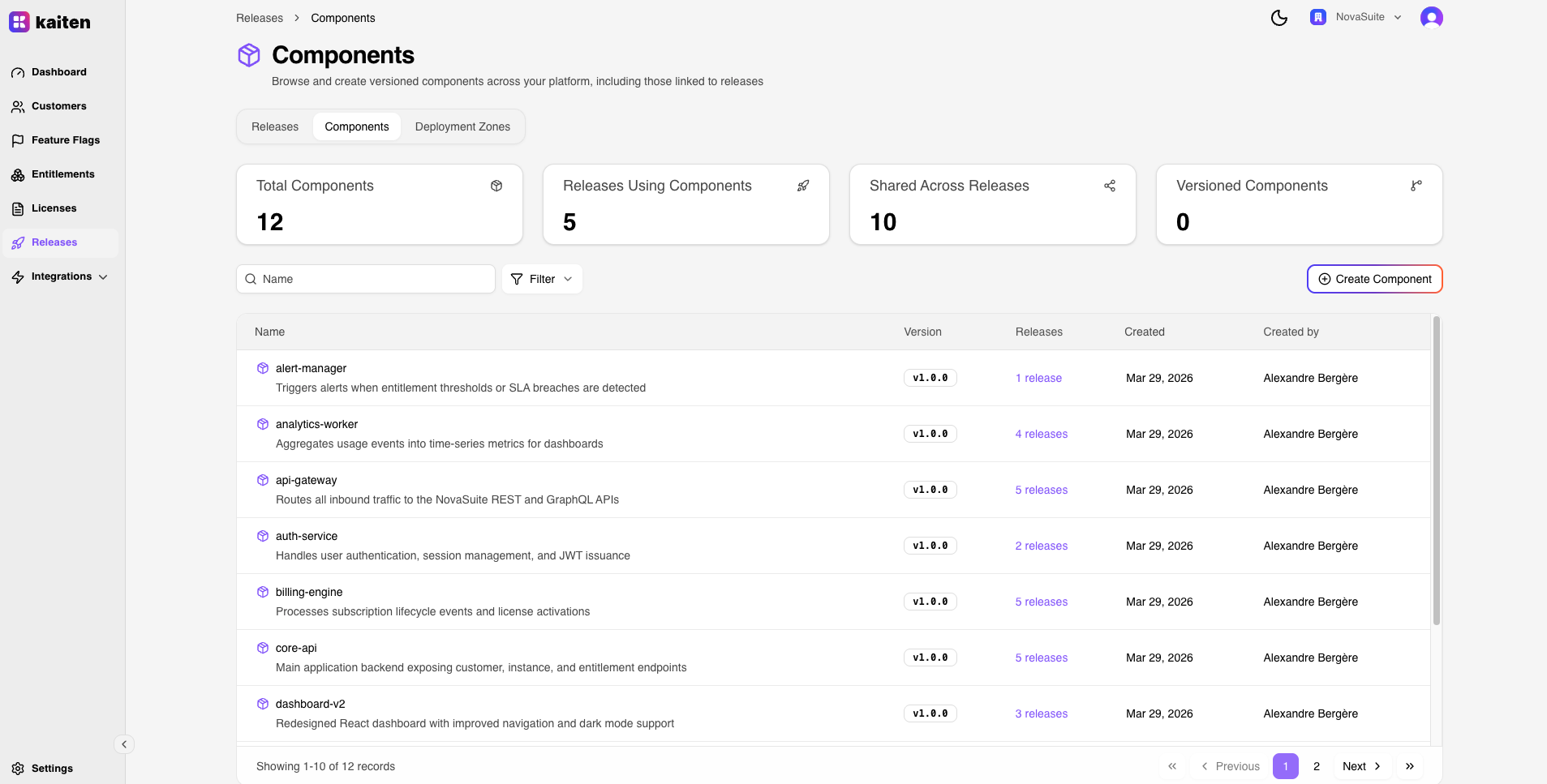
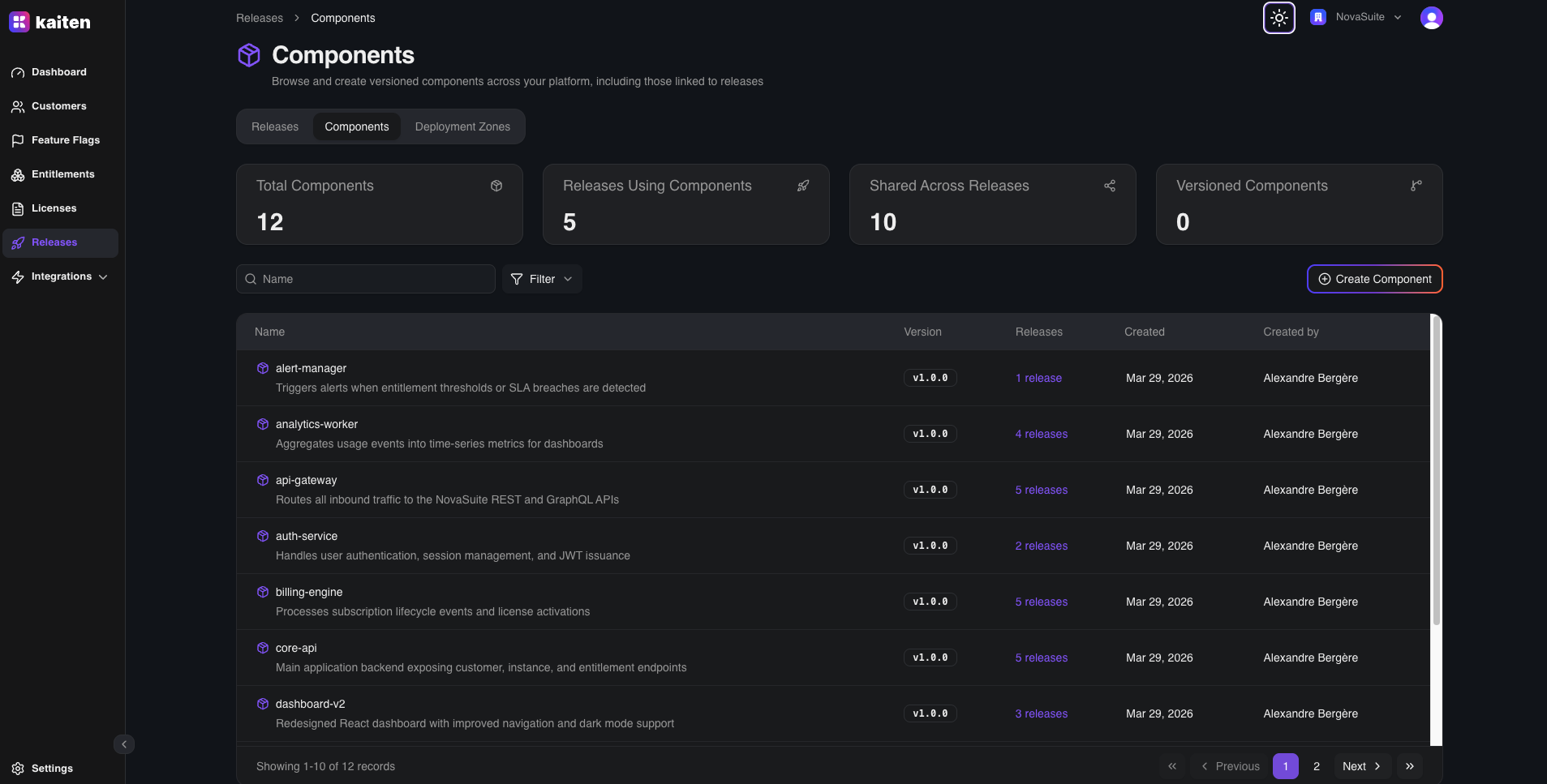
A filterable table with stats cards showing:
- Total Components — all components in the catalog
- Releases Using Components — how many releases include at least one component
- Shared Across Releases — components used in multiple releases
- Versioned Components — components with version tracking
Each row displays: component name, version, slug, description, creation date, and a linked releases count. Click the count to view which releases include that component.
Creating a Component
- Navigate to Releases → Components → New Component
- Fill in:
- Name — Component name (e.g.
api,frontend,worker) - Version — Component version string (e.g.
1.4.2,sha-abc123) - Slug — URL-safe identifier (auto-generated if left empty)
- Description — Free-form description
- Name — Component name (e.g.
- Click Create
Note: Components can also be created inline during release creation — see Creating a Release.
API Equivalent (Components)
| Action | Endpoint |
|---|---|
| List | GET /api/components |
| Create | POST /api/components |
| Get | GET /api/components/{slug} |
| Update | PUT /api/components/{slug} |
| Delete | DELETE /api/components/{slug} |
Deployment Zones
The Deployment Zones tab (/releases/deployment-zones) manages the logical environments where releases are deployed.
Deployment Zones List
A filterable table with stats cards. Each zone shows its name, type badge, description, currently deployed release, and linked instances.
Creating a Zone
- Click New Zone
- Fill in:
- Name — Zone name (e.g. "EU Production")
- Slug — URL-safe identifier
- Type — One of:
production,staging,development - Description — Free-form description
- Features — Optional JSON metadata for the zone
- Release — Optionally assign a release at creation
- Click Create
Zone Detail
Click a zone to access its detail page with two tabs:
Overview Tab
- General Information — name, type badge, slug, ID, description, audit trail (created/updated by)
- Current Release — the release currently deployed to this zone, with a direct link to the release detail page
- Features Metadata — JSON features configuration attached to this zone
Peers Tab
View other deployment zones of the same type — useful for comparing what's deployed across similar environments.
Deploying to a Zone
- Navigate to a deployment zone (from the list or via a release detail page)
- Click Deploy (from the zone's table actions or detail page)
- Select a release from the dropdown (or choose None to undeploy)
- Confirm the deployment
Editing and Deleting a Zone
- Edit — Update zone name, type, description, and features metadata
- Delete — Remove a zone (available from the table actions)
API Equivalent (Deployment Zones)
| Action | Endpoint |
|---|---|
| List | GET /api/deployment-zones |
| Create | POST /api/deployment-zones |
| Get | GET /api/deployment-zones/{slug} |
| Update | PUT /api/deployment-zones/{slug} |
| Delete | DELETE /api/deployment-zones/{slug} |
| Deploy | PUT /api/deployment-zones/{slug} (update with releaseId) |