

Console
Licenses
Create and manage license tiers with versioning in the Console.
Licenses
The Licenses section (/licenses) lets you define commercial plans for your SaaS product.
License List
The main view shows all licenses with their name, type, version, and status (active/inactive, default).
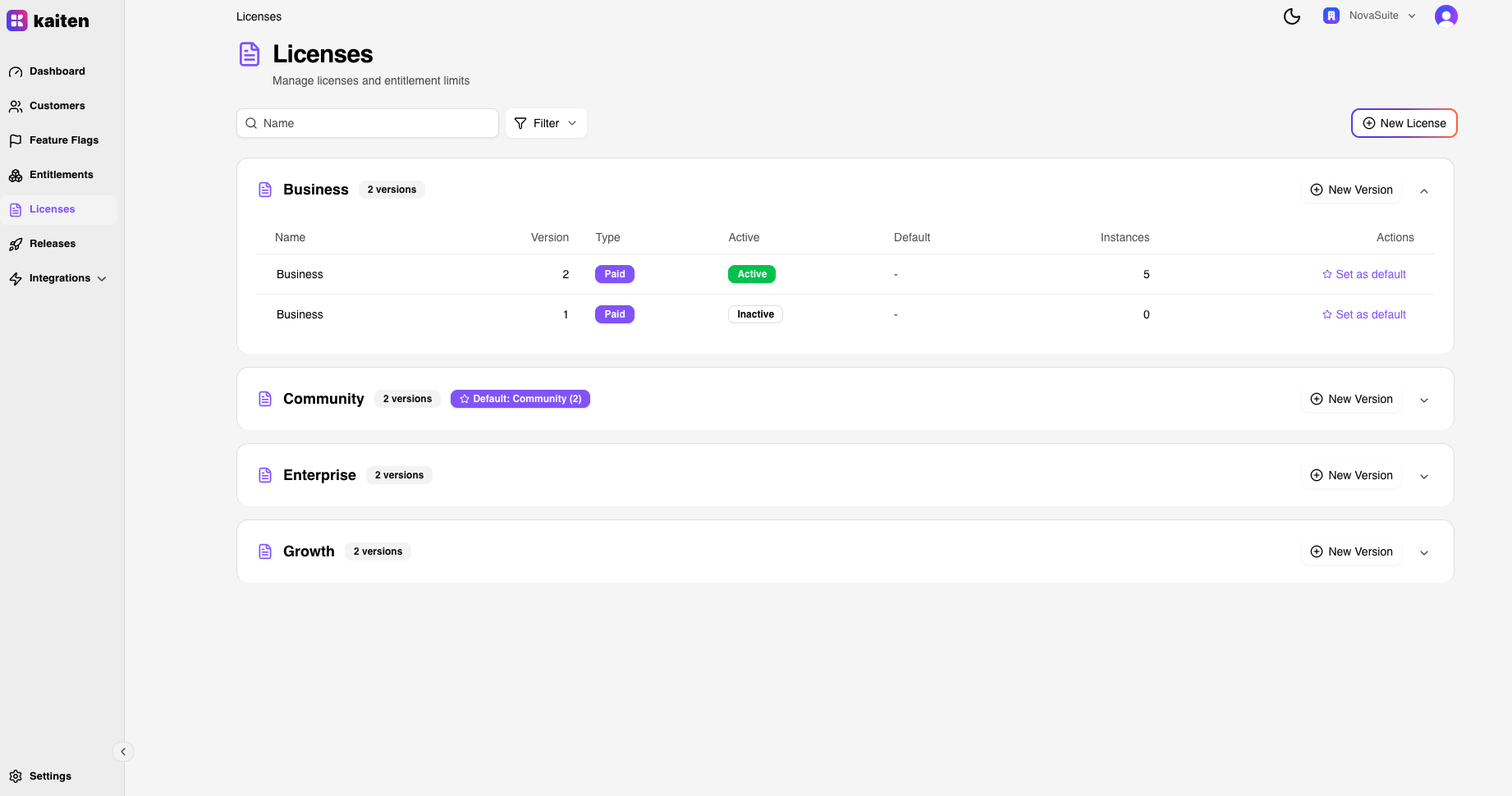

Creating a License
- Navigate to Licenses → New License
- Fill in:
- Name — License name (e.g. "Enterprise")
- Type —
COMMUNITY,TRIAL,DEVELOPMENT, orPAID - Version — Version number (auto-incremented)
- Version Name — Optional label (e.g. "v2.1")
- Is Default — Whether new instances get this license by default
- Click Create
License Detail
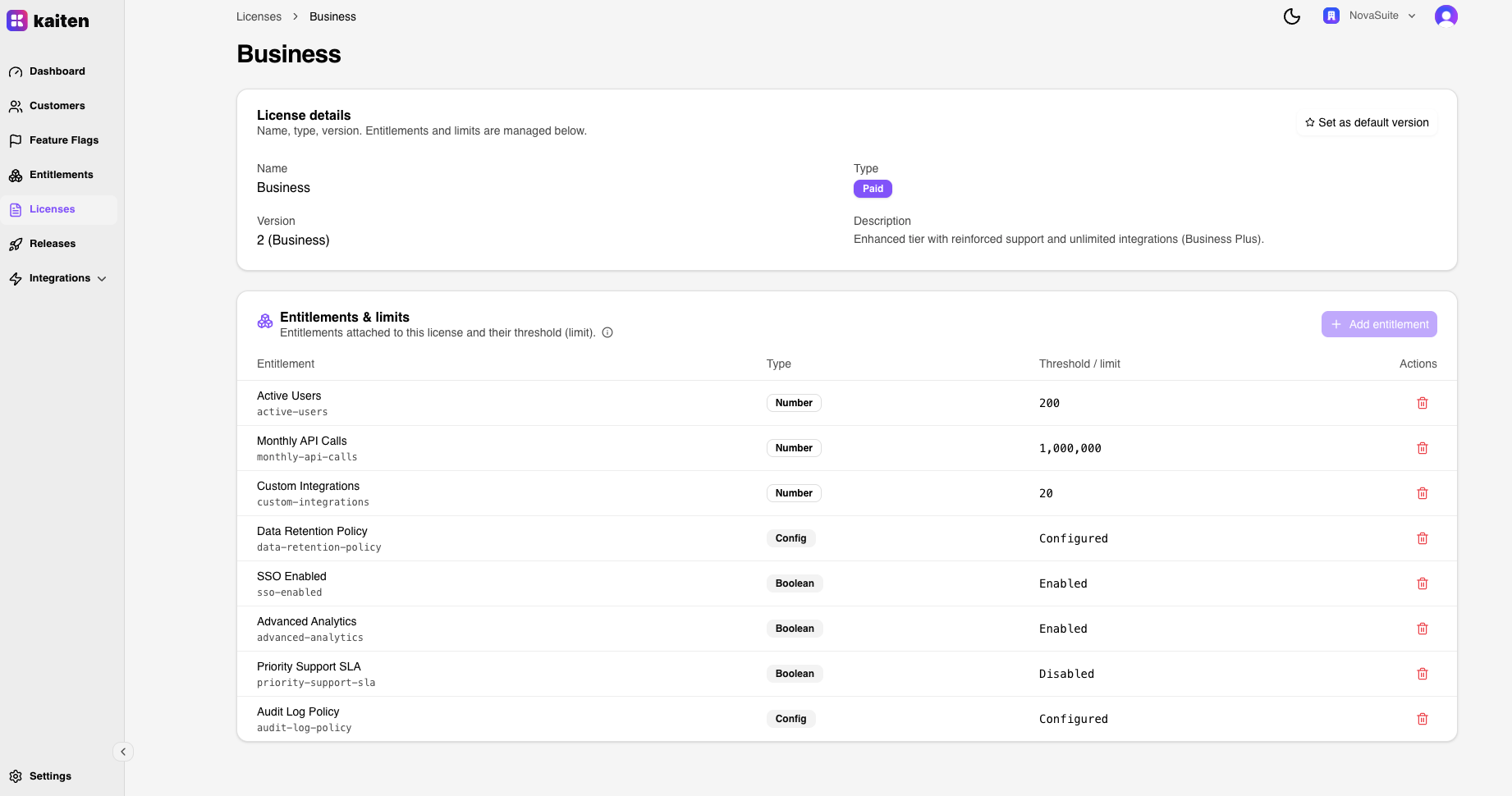
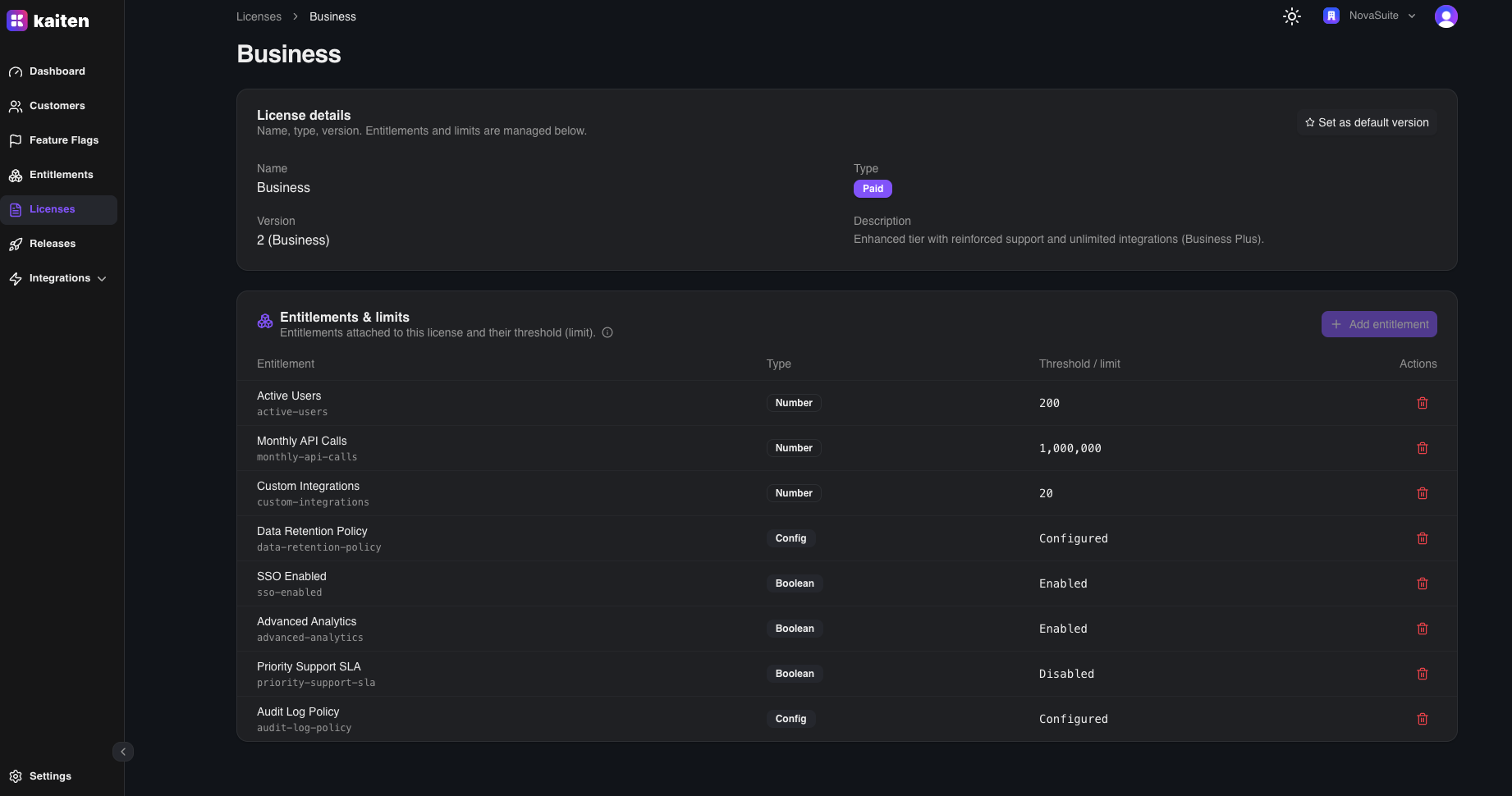
Click a license to see:
- License metadata and properties
- Entitlement Assignments — which entitlements are attached with what values
Managing Entitlement Assignments
From the license detail page:
- Click Add Entitlement
- Select an entitlement from the dropdown
- Set the value (e.g.
{"type": "number", "value": 1000}) - Save
You can also update or remove entitlement assignments.
License Versioning
Licenses support versioning — create a new version to update entitlement thresholds without affecting existing instances:
- Navigate to Licenses → Versions → New
- Select the base license
- Update the version number and entitlement values
- Assign the new version to instances as needed
API Equivalent
| Action | Endpoint |
|---|---|
| List | GET /api/licenses |
| Create | POST /api/licenses |
| Get | GET /api/licenses/{slug} |
| Attach Entitlement | POST /api/licenses/{slug}/entitlements |
| Update Entitlement Value | PUT /api/licenses/{slug}/entitlements/{entSlug} |
| Remove Entitlement | DELETE /api/licenses/{slug}/entitlements/{entSlug} |