

Console
Entitlements
Define usage quotas and view consumption in the Console.
Entitlements
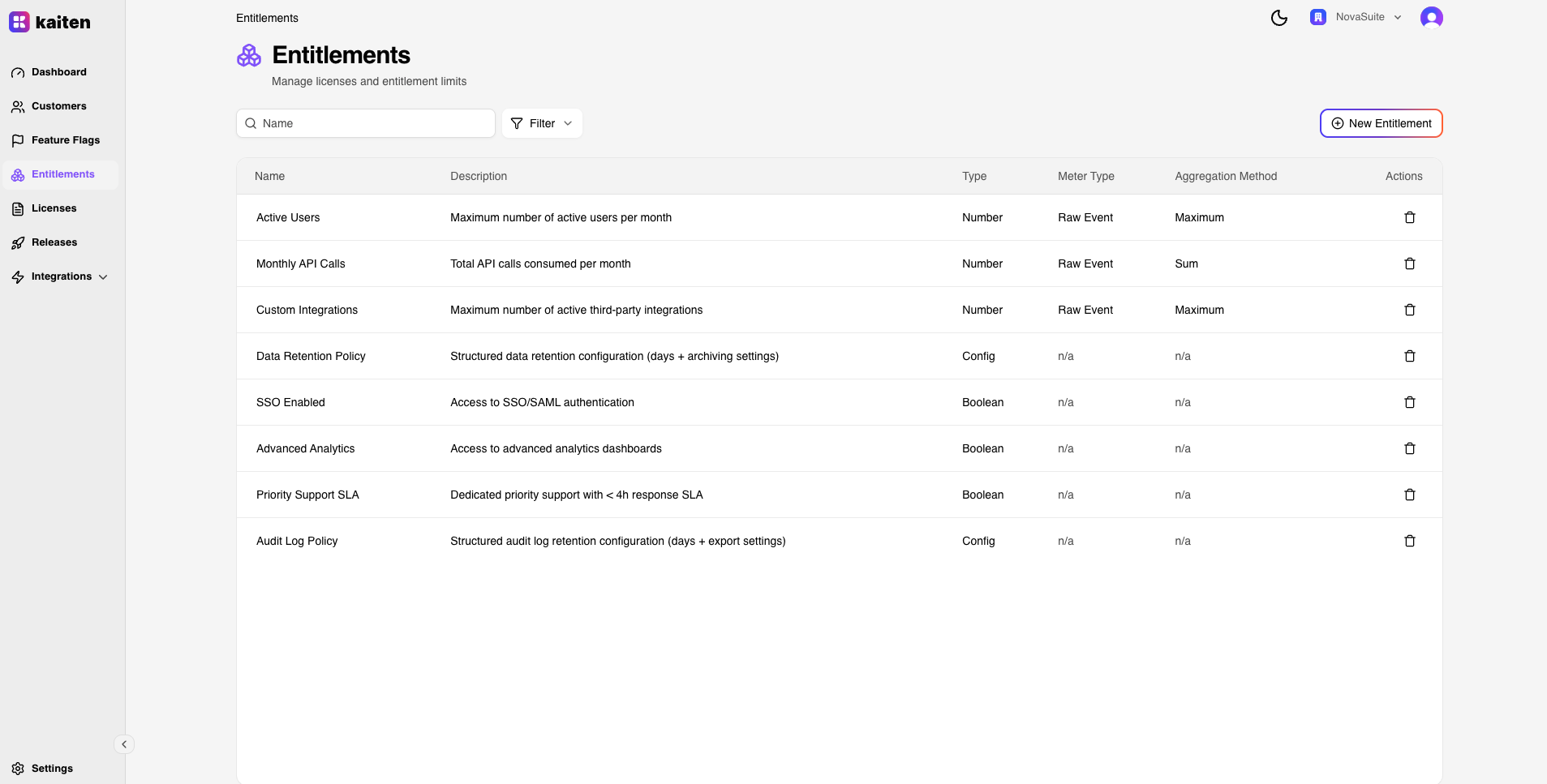
The Entitlements section (/entitlements) lets you define usage rights that can be attached to licenses.
Entitlement List
The main view shows all entitlements with their name, type, meter type, and aggregation method.

Creating an Entitlement
- Navigate to Entitlements → New Entitlement
- Fill in:
- Name — Entitlement name (e.g. "API Calls")
- Slug — URL-safe identifier
- Type —
BOOLEAN,NUMBER, orCONFIG - Meter Type (NUMBER only) —
CALCULATED_USAGEorRAW_EVENT - Aggregation Method (NUMBER only) —
SUM,COUNT,AVERAGE,MAX,MIN,LATEST
- Click Create
Entitlement Detail
Click an entitlement to see its detail page with tabs:
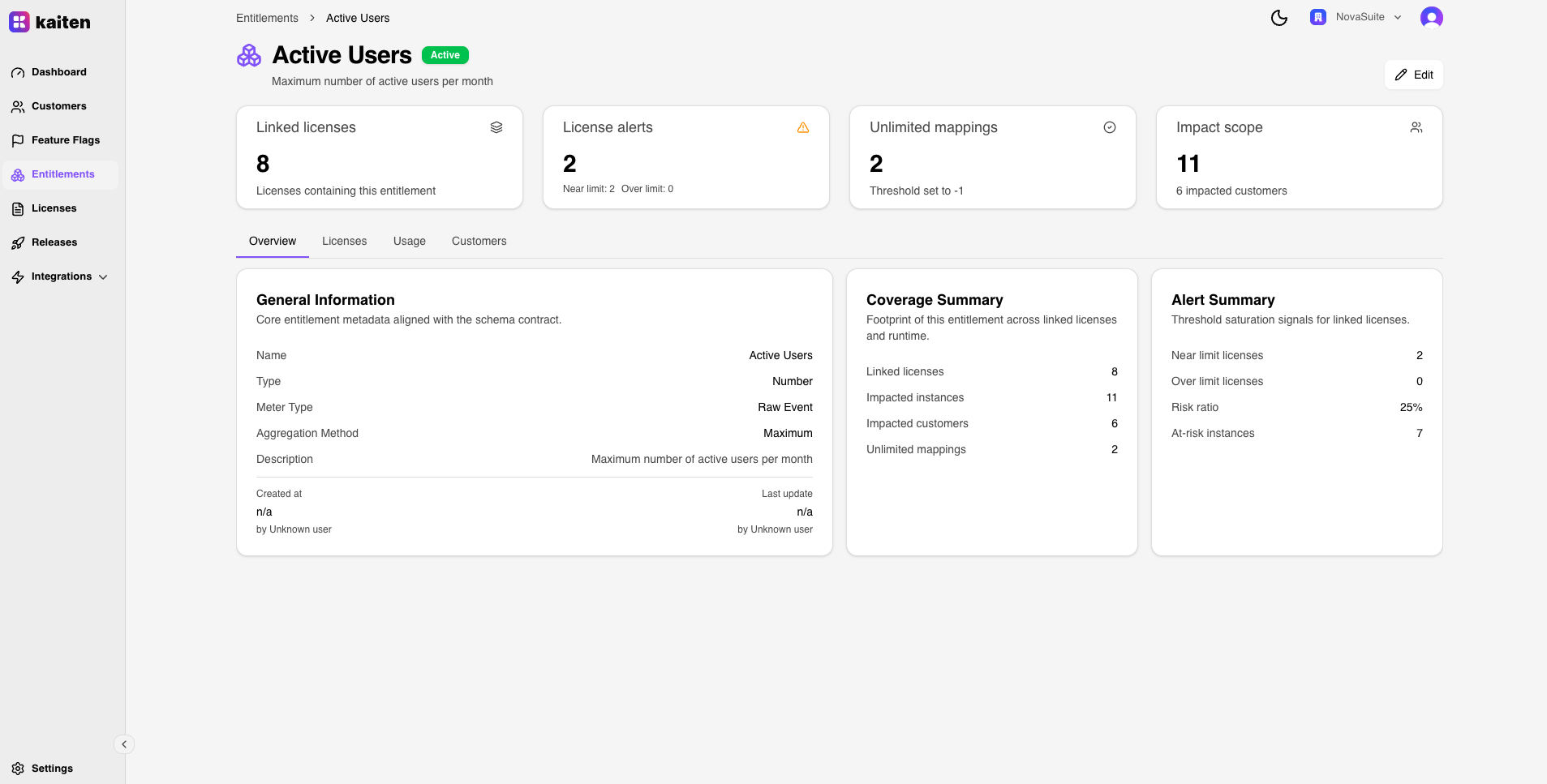
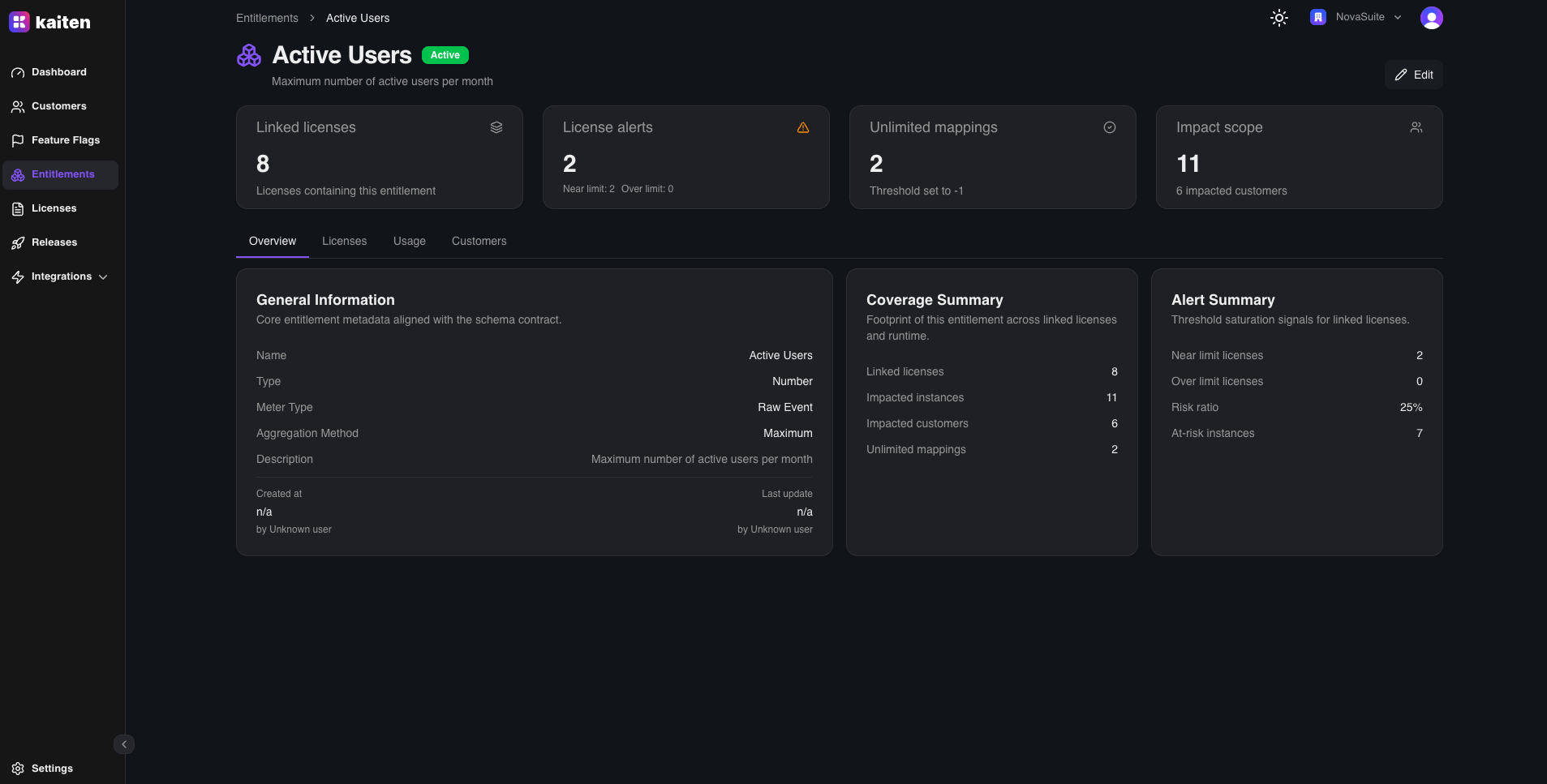
Overview
- Entitlement metadata and properties
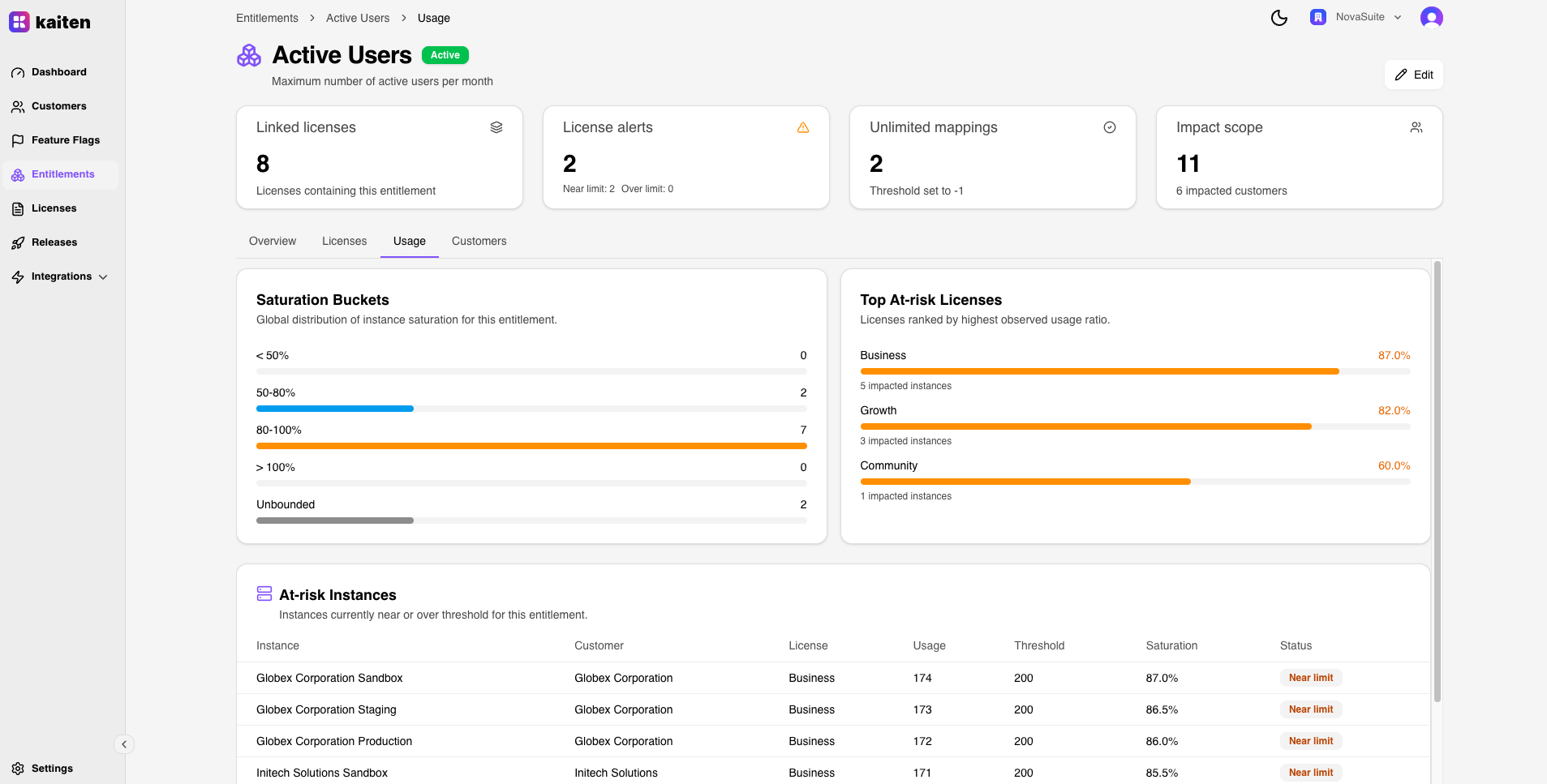
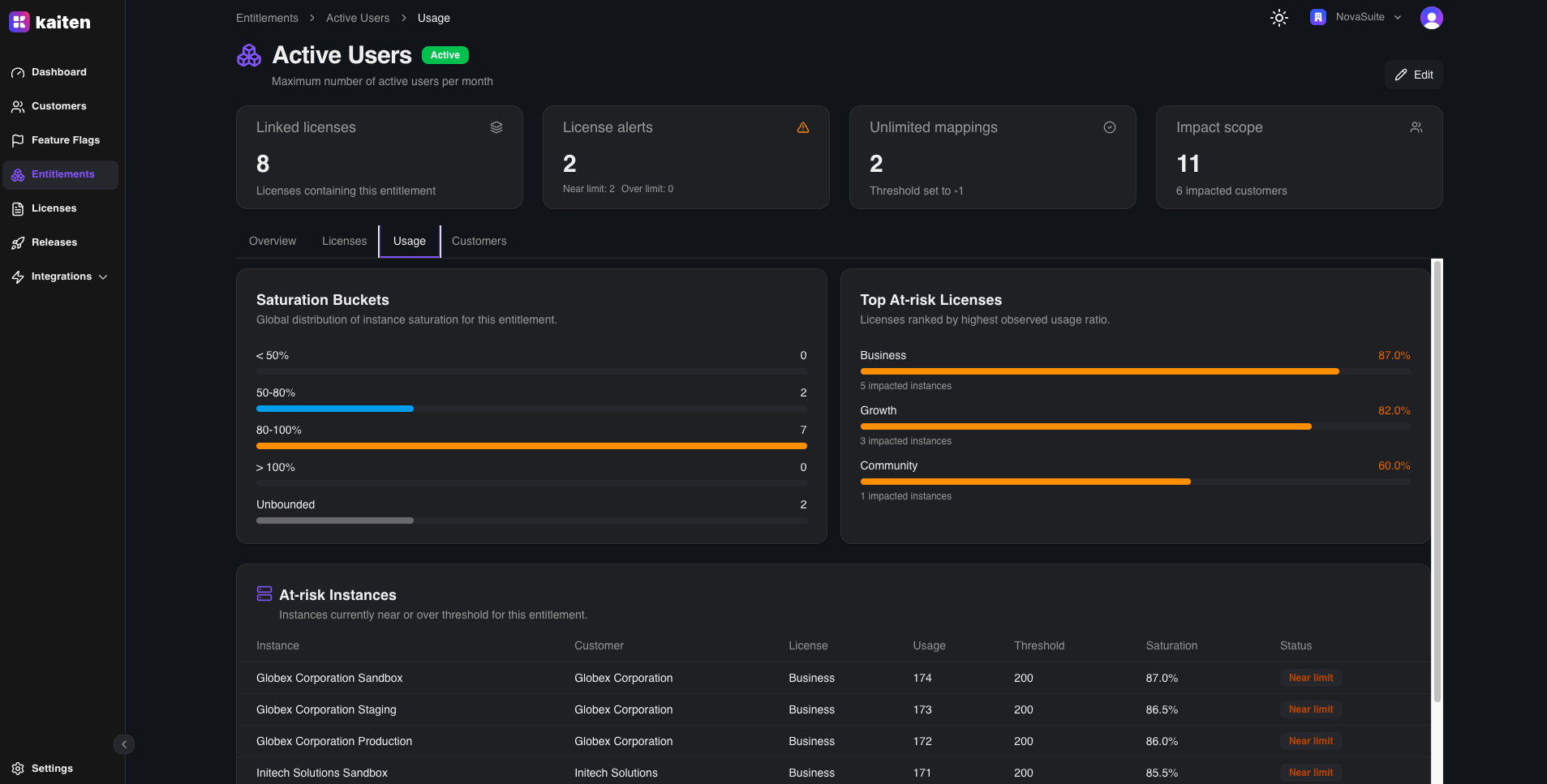
Usage Tab
- Usage data across all instances that have this entitlement
- Current consumption per instance vs threshold
Licenses Tab
- All licenses that include this entitlement and their configured threshold values
Customers Tab
- All customers whose instances have this entitlement (aggregated view)
API Equivalent
| Action | Endpoint |
|---|---|
| List | GET /api/entitlements |
| Create | POST /api/entitlements |
| Get | GET /api/entitlements/{slug} |
| Update | PUT /api/entitlements/{slug} |
| Delete | DELETE /api/entitlements/{slug} |