

Console
Customers
Create, view, and manage customers in the Console.
Customers
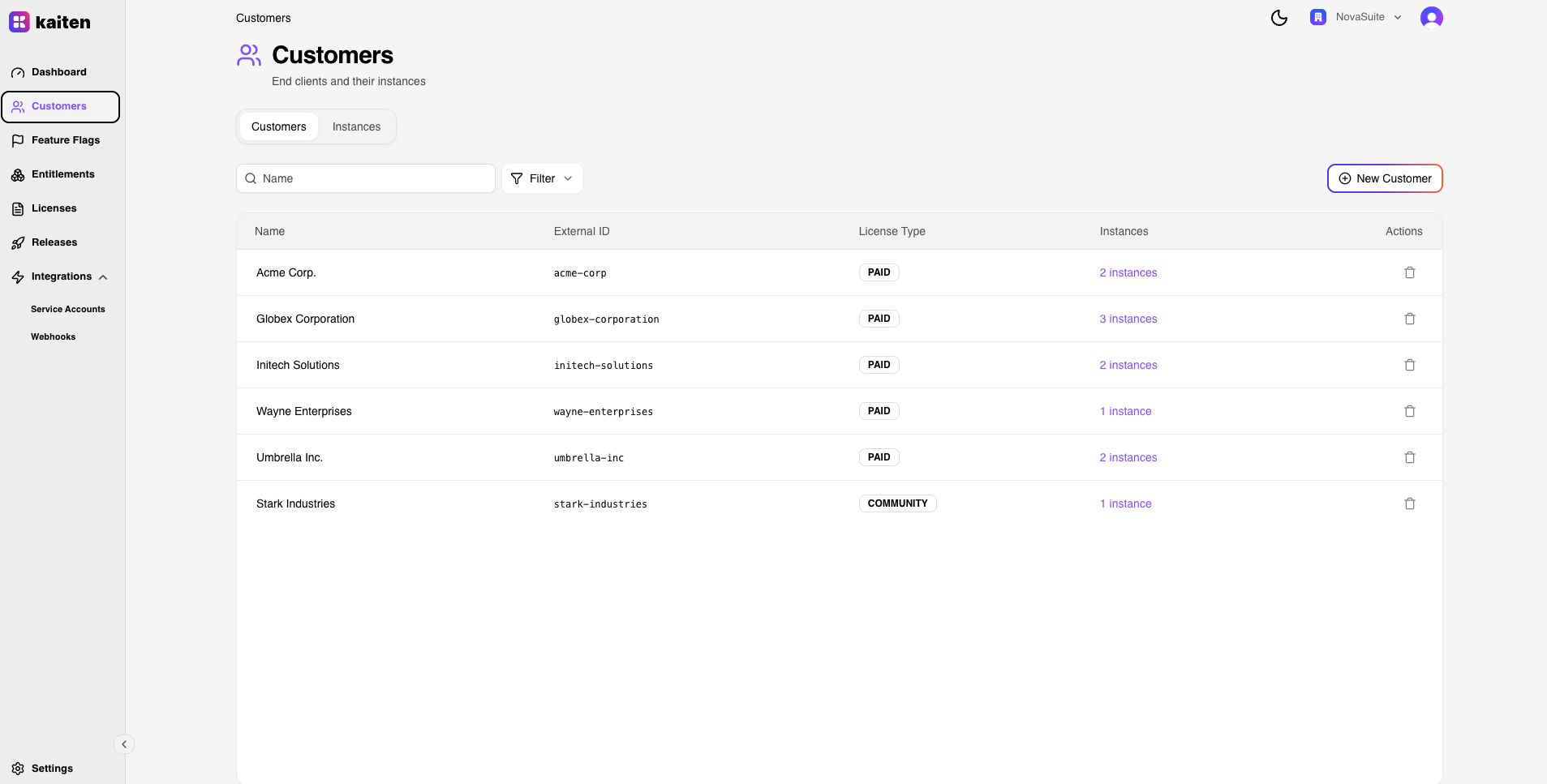
The Customers section (/customers) lets you manage the end clients of your SaaS product.
Customer List
The main view shows all customers in your organization with their name, slug, creation date, and number of instances.
Creating a Customer
- Click New Customer (or navigate to
/customers/new) - Fill in:
- Name — Display name (e.g. "Acme Corporation")
- Slug — URL-safe identifier (auto-generated or custom)
- External Customer ID — Optional reference for CRM integration
- Click Create
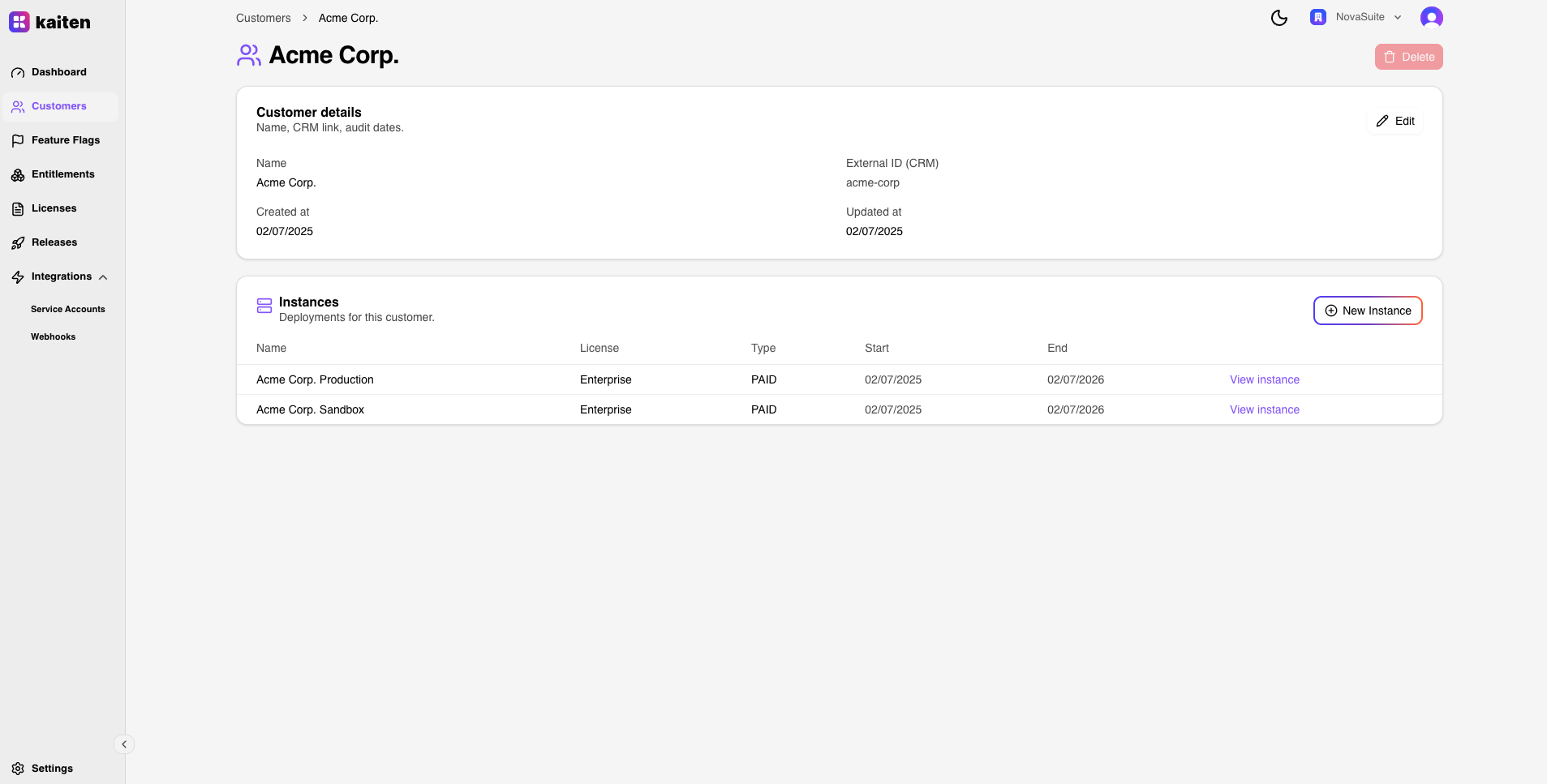
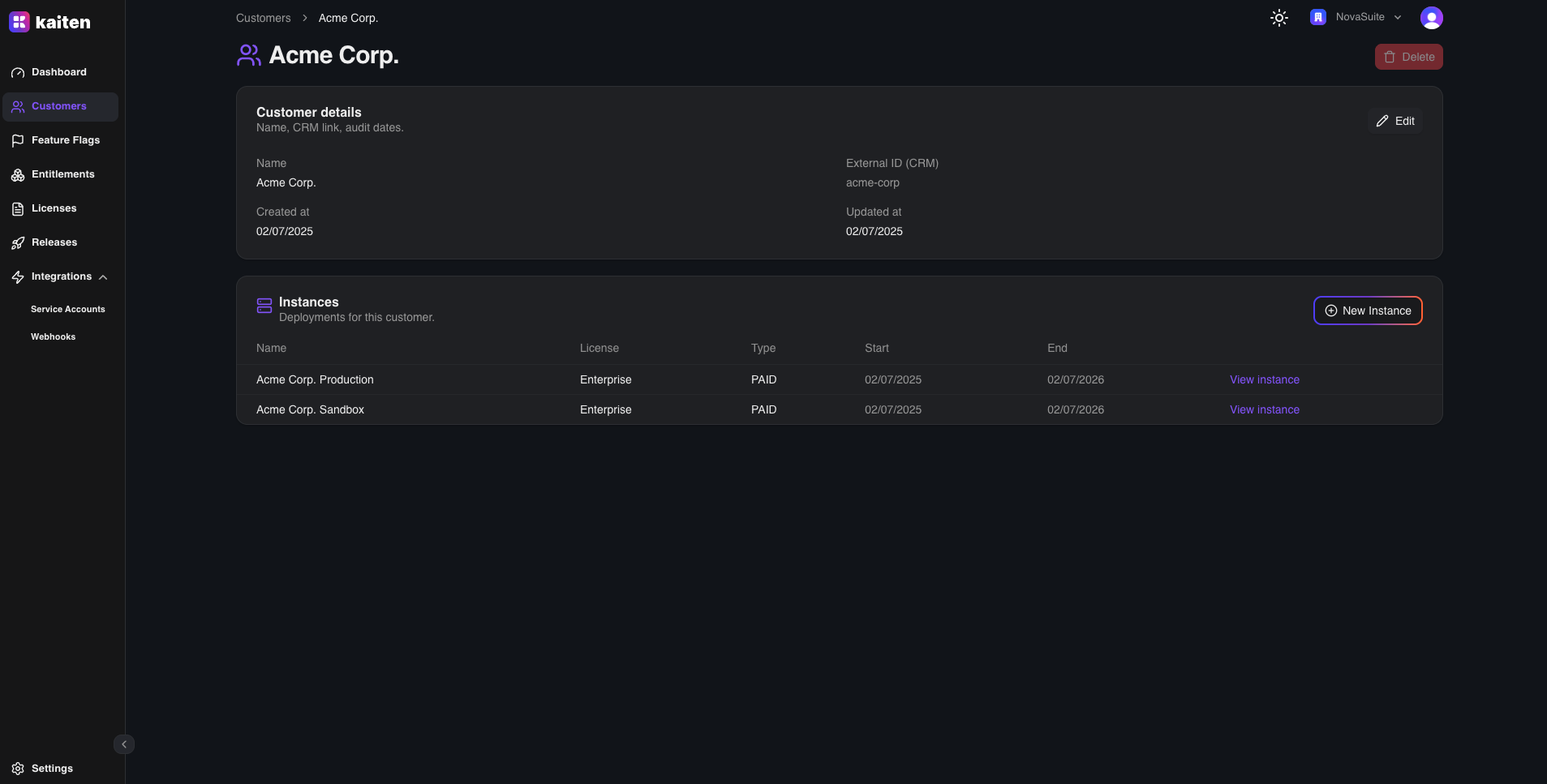
Customer Detail
Click on a customer to see their detail page (/customers/{slug}):
- Overview — Customer metadata and properties
- Instances — All deployments for this customer (see Instances)

Editing a Customer
On the detail page, you can update the customer's name and external ID.
Deleting a Customer
Delete a customer from the detail page. This requires all associated instances to be removed first.
API Equivalent
All console operations map directly to REST API endpoints:
| Action | Endpoint |
|---|---|
| List | GET /api/customers |
| Create | POST /api/customers |
| Get | GET /api/customers/{slug} |
| Update | PUT /api/customers/{slug} |
| Delete | DELETE /api/customers/{slug} |