

Authentication
Service Accounts & Tokens
Create machine users and API tokens for programmatic access.
Service Accounts & Tokens
Service Accounts are machine users that access the Kaiten API programmatically using API Tokens (ksh_*).
Creating a Service Account
Via Console
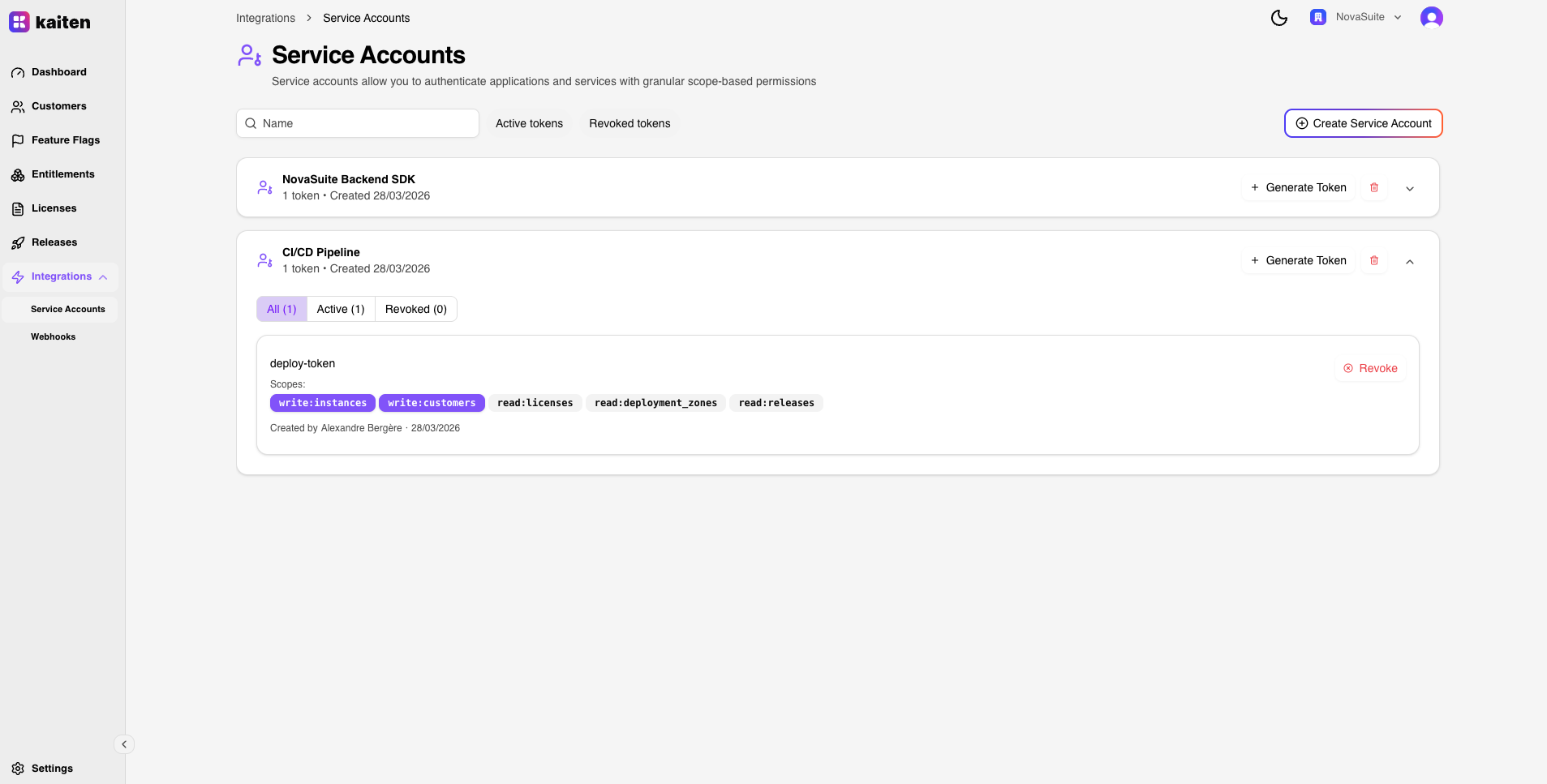
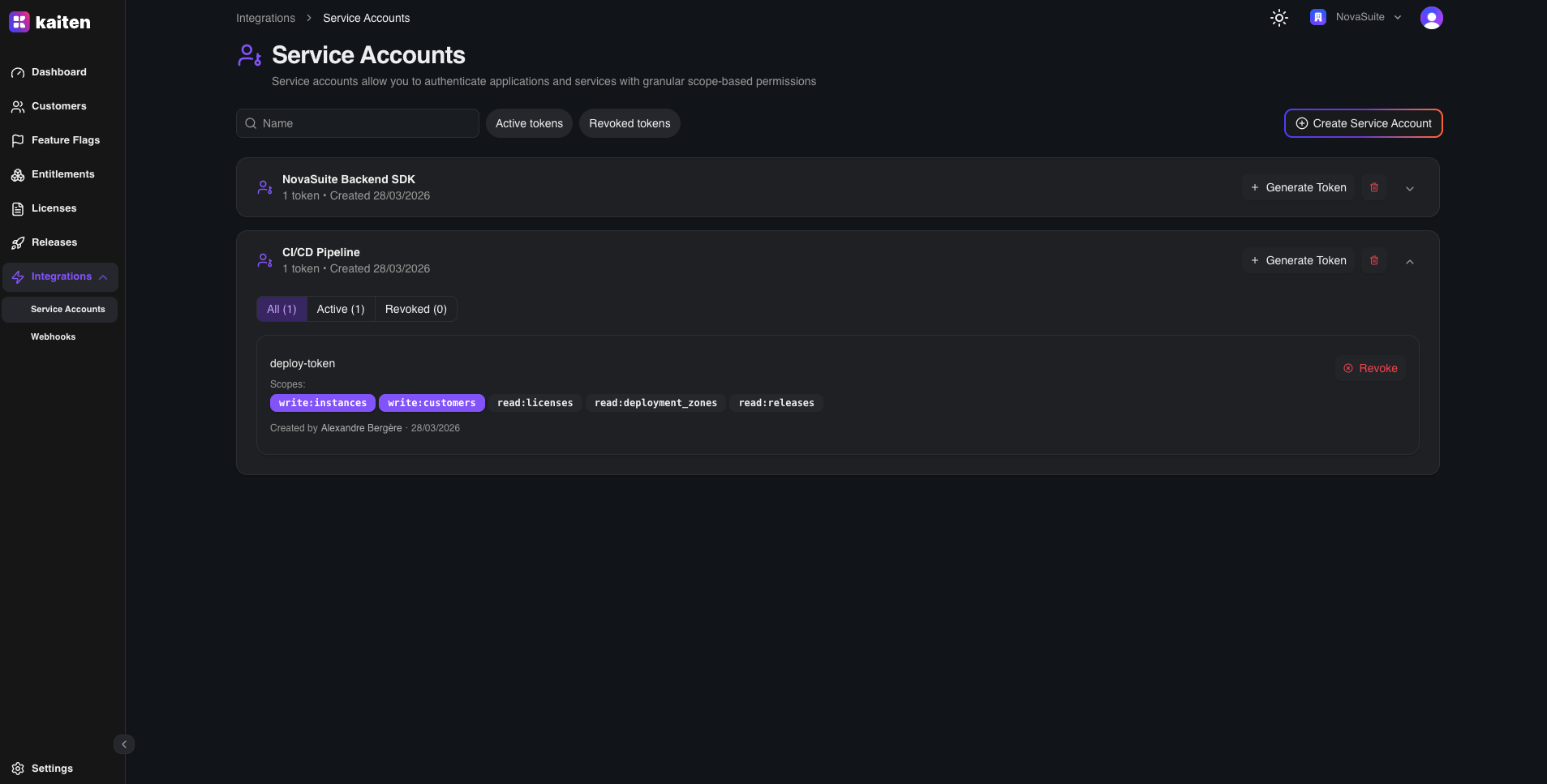
- Navigate to Integrations → Service Accounts
- Click New Service Account
- Enter a name (e.g. "CI/CD Pipeline")
- The service account is created within your organization
Via API
curl -X POST http://localhost:6000/api/service-accounts \
  -H "Authorization: Bearer <your-jwt>" \
  -H "Content-Type: application/json" \
  -d '{"name": "CI/CD Pipeline"}'
Generating a Token
Each service account can have multiple tokens with different scopes:
curl -X POST http://localhost:6000/api/service-accounts/<sa-id>/tokens \
  -H "Authorization: Bearer <your-jwt>" \
  -H "Content-Type: application/json" \
  -d '{
    "name": "production",
    "scopes": ["read:customers", "write:instances", "read:feature_flags"]
  }'
Response:
{
  "id": "uuid-...",
  "name": "production",
  "token": "ksh_abcdef123456...",
  "scopes": ["read:customers", "write:instances", "read:feature_flags"]
}Important: Copy the token immediately — it is shown only once and stored hashed.
Using the Token
Include the token in the Authorization header:
curl http://localhost:6000/api/customers \
  -H "Authorization: Bearer ksh_abcdef123456..."
How ForwardAuth Works
- Traefik detects the
ksh_prefix in the Authorization header - Request is forwarded to
/api/tokens/validate(ForwardAuth) - The API validates the token hash and checks expiry
- An unsigned JWT is generated with:
UserID,OrganizationID, andScopes - This JWT is forwarded to the API handler via Traefik headers
- The handler extracts the Principal and scopes all queries accordingly
Token Security
| Property | Detail |
|---|---|
| Format | ksh_ prefix + random bytes |
| Storage | SHA-256 hashed in database |
| Expiry | Optional, set at creation |
| Revocation | Delete the token via API or dashboard |
| Scopes | Enforced per endpoint by the API handler |